Staring at a blank WordPress editor with a 3,000-word post in your head can feel like trying to stuff a thunderstorm into a teacup.
You know what you want to say. You know your stories. But getting from messy thoughts to a clean outline with H2s and H3s is slow and, honestly, kind of painful.
That is where AI blog outlining can help, as long as you stay in charge of the voice. Think of AI as the friend who is great at structure and lists, while you handle the stories, the jokes, and the sharp opinions your readers come back for.
This guide walks through how to use AI to outline long-form posts for WordPress, without sounding like a bland robot in a suit.
Why AI Outlining Feels Risky For Your Voice
The first time I asked an AI tool to outline a blog post for me, it came back sounding like a corporate brochure.
Every heading looked the same. "Understanding X." "The Importance of Y." "Conclusion." No personality, no edge, no sense that a real human had lived through the problem.
The mistake was simple: I treated AI like a ghostwriter instead of a collaborator. I gave it a topic, not my voice. Once I fixed that, the outlines got sharper, faster, and still sounded like I had written them.
That is the goal here. AI shapes the skeleton, you keep the heartbeat.
Step 1: Capture Your Real Voice Before AI Touches It
Before you open any AI tool, grab your raw voice.
Open a new draft in WordPress or your notes app and write as if you are sending a long voice memo to a close reader:
- Why this topic matters to you
- One or two personal stories
- The main point you want them to walk away with
Do not worry about order. Let it be messy. Jot phrases you actually say out loud. If you use sarcasm, drop it in. If you swear a little in your brand, include that too.
You are building a small pile of clay that AI can help shape, not a polished statue.
Build a Simple "Voice Profile" Prompt
Next, turn your gut-level writing style into a quick "voice profile" you can reuse.
List a few traits:
- I write in: casual, friendly, slightly opinionated tone
- My audience: WordPress bloggers and solo creators who care about SEO but hate jargon
- I sound: practical, optimistic, and honest about what takes time
- I avoid: buzzwords like "digital landscape", "cutting-edge", and stiff phrases like "in today's world"
Now turn that into a prompt you can paste into your AI chat at the start of every session:
Voice profile prompt you can copy:
"Here is my writing voice for this project:
- Tone: casual, friendly, and direct
- Audience: WordPress bloggers and solo entrepreneurs who want practical tips
- Style: short sentences, clear examples, light humor, first-person stories
- Avoid: corporate jargon, buzzwords, and generic advice
When you help me outline and plan content, keep this voice in mind. Do not write like a textbook or a corporate report."
Save this in a note, a pinned document, or even a WordPress reusable block so you can grab it fast.
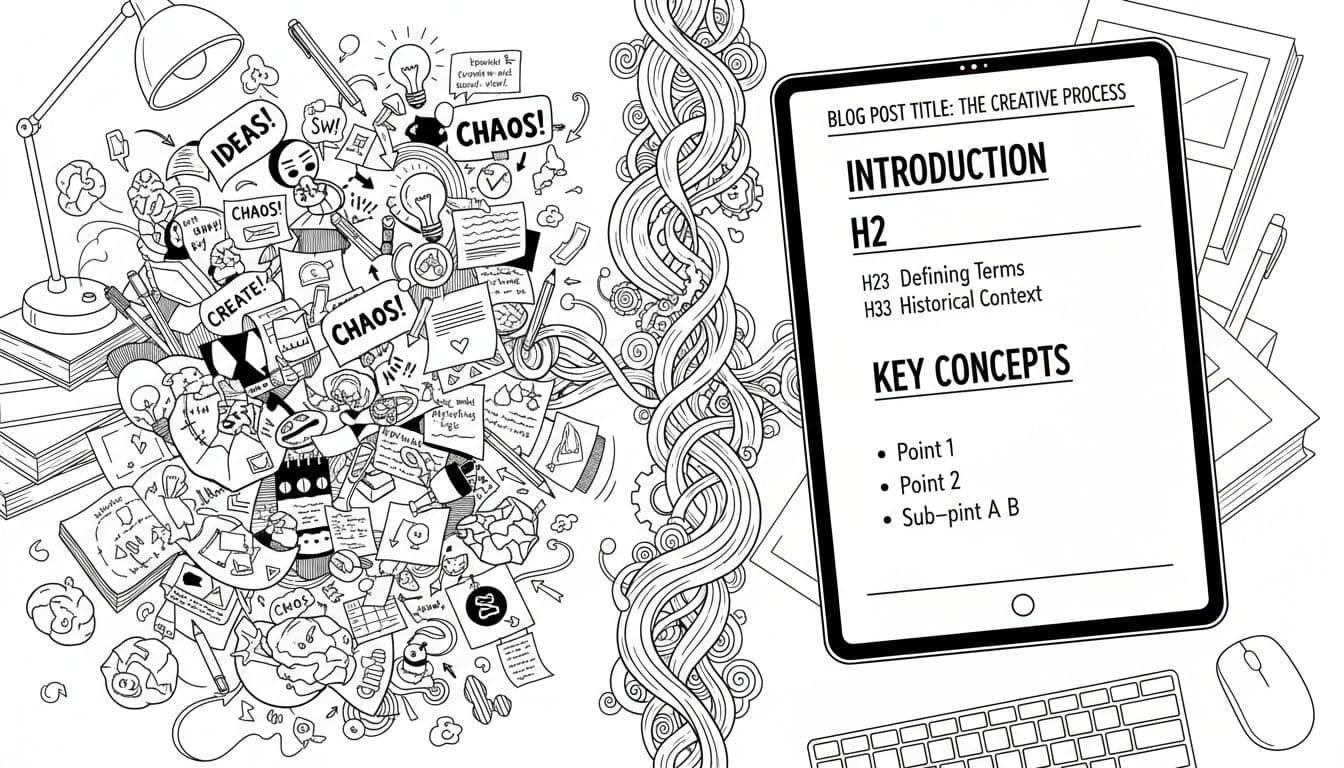
Messy notes and clean outline working together. Image created with AI.
Step 2: Use AI Blog Outlining To Shape Your Long-Form Structure
Now you are ready to put AI to work on structure.

AI helping shape a WordPress outline, while the writer keeps control. Image created with AI.
Start by gathering your inputs:
- Your voice profile prompt
- Your messy notes or brain dump
- Any target keywords you care about
- A rough idea of length, for example, 2,000 words
Then, give AI a clear job:
Outline prompt from topic + notes:
"Using the voice profile above, help me create a detailed outline for a long-form WordPress blog post.
Topic: [your topic]
Main audience: [describe your readers]
Target length: about [X] words
Here are my rough notes and ideas, written in my own voice:
[Paste notes]
Turn this into:
- A clear title idea
- 6 to 8 H2 headings
- 2 to 4 H3 subheadings under each H2
- Short bullet points of what I should cover under each subheading
Do not write the full article. Keep my tone in mind."
You will likely get a first draft that is 70 percent there. From there, you can:
- Rename headings to sound more like you
- Cut any sections that feel generic
- Add extra H3s where you have strong stories or data
If you like seeing how other tools structure content, you can compare your outline with templates from tools like this AI blog outline generator for SEO posts or Surfer's free outline generator. Use those as reference points, not final scripts.
What a Strong Outline Looks Like Inside WordPress
Once you like the outline, drop it into the WordPress block editor.
A simple format:
- H1: Your title
- H2: Major sections
- H3: Subtopics, stories, or steps inside each H2
You can paste the whole outline as plain text, then turn each line into a Heading block. Use the List View in the top bar to see your structure from the side. If the left-hand list looks clean and logical, you are in good shape.
Step 3: Co-Write Sections Without Letting AI Take Over
Now the fun part: turning that outline into real words, without losing your voice.
For each H2 or H3:
- Write a rough paragraph or two yourself first.
- Then ask AI for help with ideas, not final wording.
Here are two prompts that keep you in control.
Prompt for ideas only:
"For each of these headings, give me 3 to 5 bullet-point ideas to cover. Do not write paragraphs. Keep my voice profile in mind.
Headings:
[Paste a few H2s or H3s]"
Prompt to shape your own rough draft:
"Here is a rough paragraph I wrote under this heading. Rewrite it for clarity and flow, but keep my tone, my jokes, and my personal examples. Do not remove any details, just tidy the structure:
[Paste your paragraph]"
Always read the AI version next to your original. If it sounds too smooth or generic, keep more of your own wording and only copy small edits or structure.
Step 4: Drop The Outline Into WordPress And Refine
With a solid outline and a mix of your own paragraphs plus AI-shaped notes, it is time to live inside WordPress.

WordPress headings arranged by AI, while the human adds personal lines. Image created with AI.
A simple flow that works well:
- Create all H2 and H3 blocks first, so your structure is locked in.
- Under each heading, paste your rough notes or bullets.
- Expand those bullets into full paragraphs in your own words.
If you want more SEO-focused ideas, a guide like this overview of top AI outline generator tools for content creation is helpful to see how tools think about search intent and structure. Then you can bring the best bits back into your own outline.
Use the Document Overview in WordPress to check:
- Do headings follow a clear story arc?
- Are any sections bloated or thin?
- Does each H2 answer a real question your reader has?
When the skeleton feels solid, you are ready for the final layer of voice.
Prompt Templates You Can Steal For Your Next Post
Here are quick templates you can copy into your AI tool and adapt.
1. Voice profile setup
"Remember this writing voice for the rest of this conversation:
- Tone: [your tone]
- Audience: [who you write for]
- Style: [short sentences, stories, etc.]
- Avoid: [buzzwords you hate]
Confirm you understand this voice."
2. Outline from title
"I am writing a long-form WordPress blog post.
Working title: '[your title]'
Audience: [your audience]
Using my voice profile, suggest:
- 2 alternate title ideas
- 6 to 8 H2 headings
- 2 to 3 H3s under each H2."
3. Turn notes into bullets
"Using my voice profile, turn these messy notes into a clean bullet list of key points, grouped by theme. Do not write paragraphs yet:
[Paste notes]"
4. Check for gaps
"Look at this outline. What is missing for someone at [experience level] trying to solve [main problem]? Suggest only headings or bullet points, not full copy."
Final Checks: Make Sure The Post Still Sounds Like You
Before you hit publish, do one last human pass.
Read the post out loud, or at least mouth the words. Anywhere your voice trips, or you think, "I would never say it like that," mark it. That is often the AI showing.
Swap those lines for your own phrases, even if they are less perfect. Personality beats polish.
You can use editing tools for grammar and typos, but keep your voice as the final filter. AI can help you move faster with structure and ideas, yet the way you tell the story is still your edge.
Next time you open the WordPress editor to write a long post, start with your voice profile, lean on AI blog outlining for the skeleton, then let your human stories fill in the rest. Your readers will feel the difference.